220 Million Views on GIPHY Stickers



eeeee

Meet the furballs
Behind Our
GIPHY Stickers
Whether you pronounce it “Jif” or “GIF”, it really doesn’t matter – because the Furgoblins are now on GIPHY or JIFFY
Use them in messages, stories and reactions
whenever words are not dramatic enough to get your point across – a gif of Lyle is worth a thousand words.
The sticker department


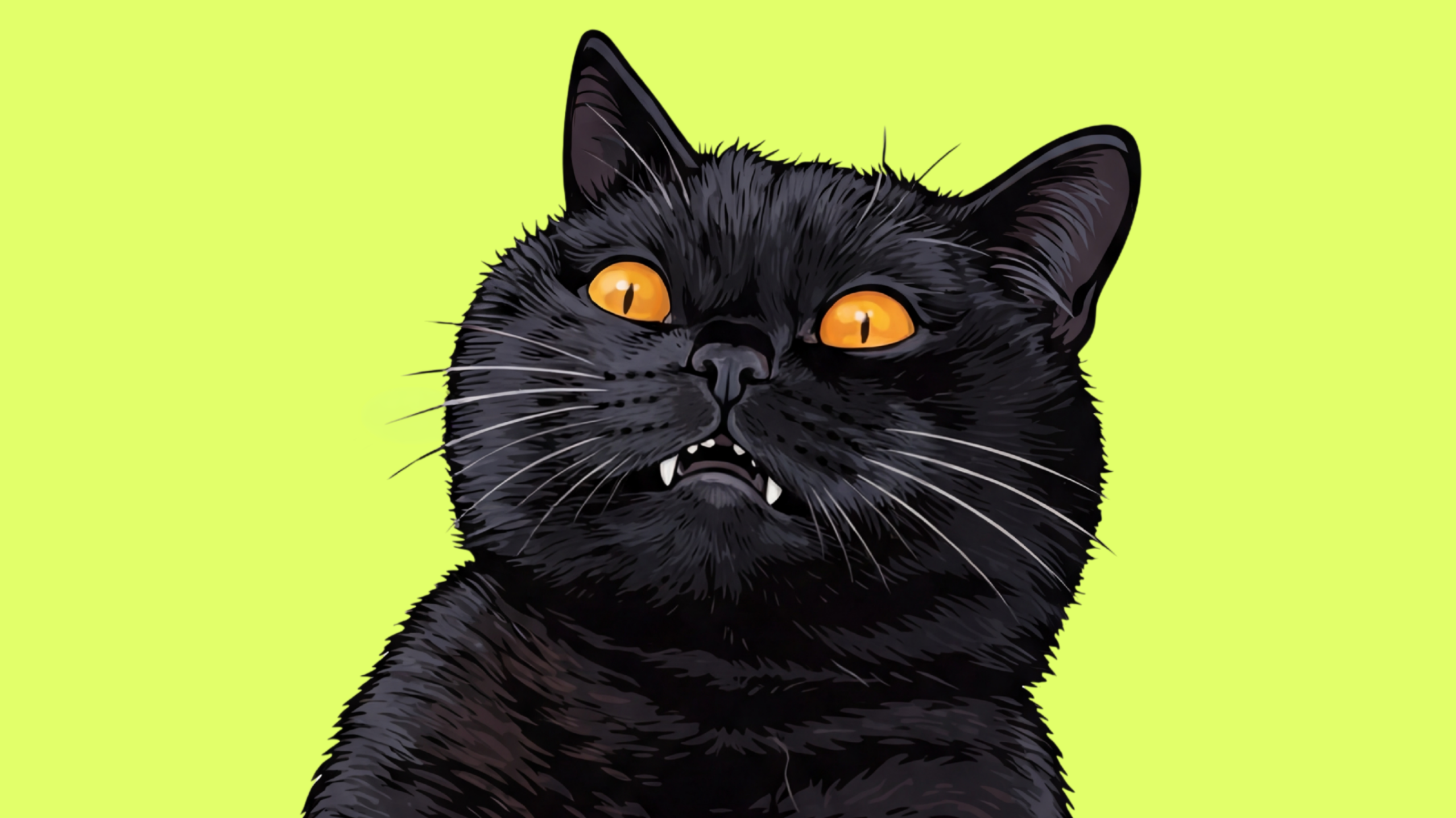
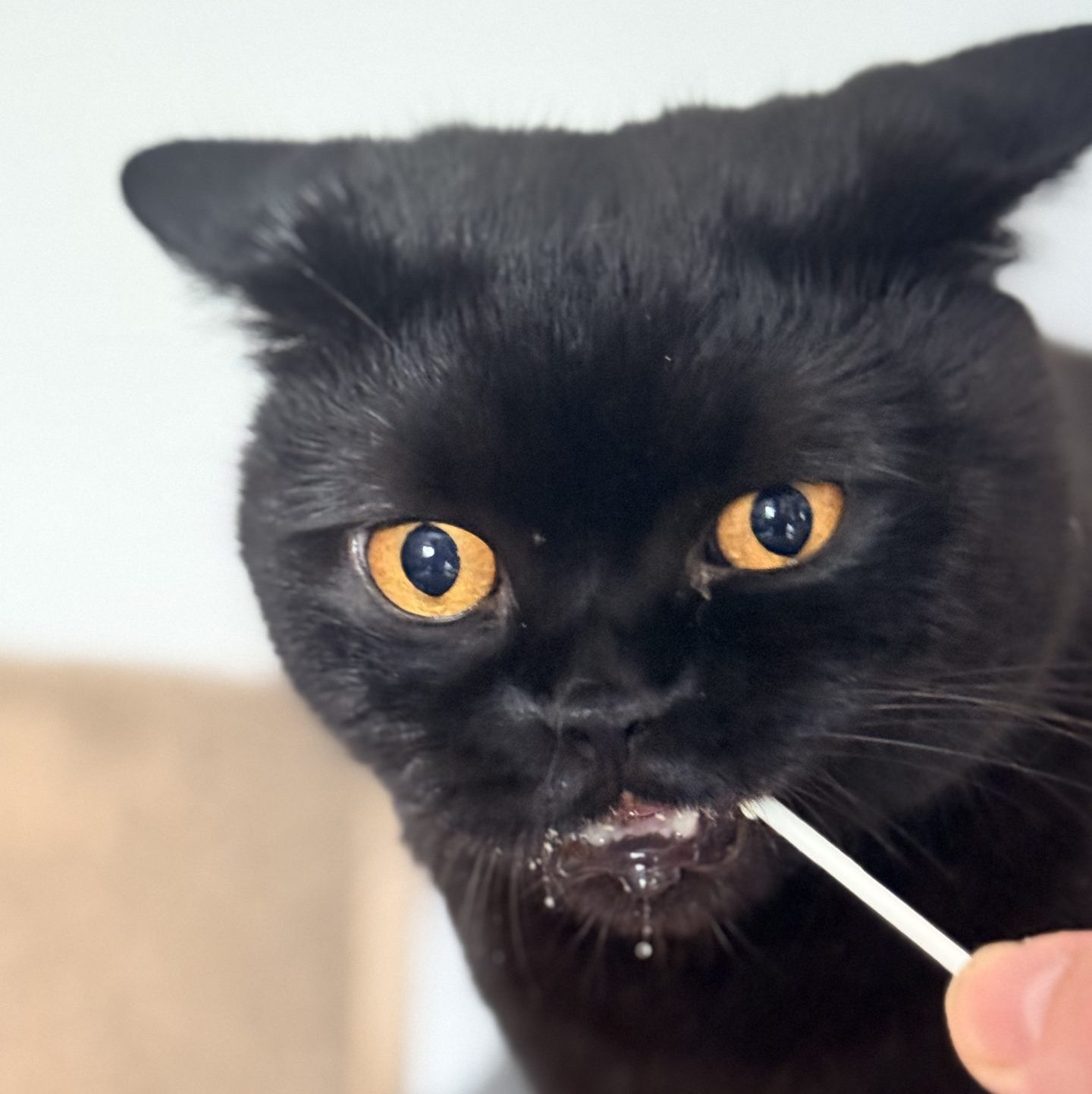
Purrcival
Black British Shorthair CEO of MicromanagementDramatic. Demanding.
Runs the show.
 ✧
✧
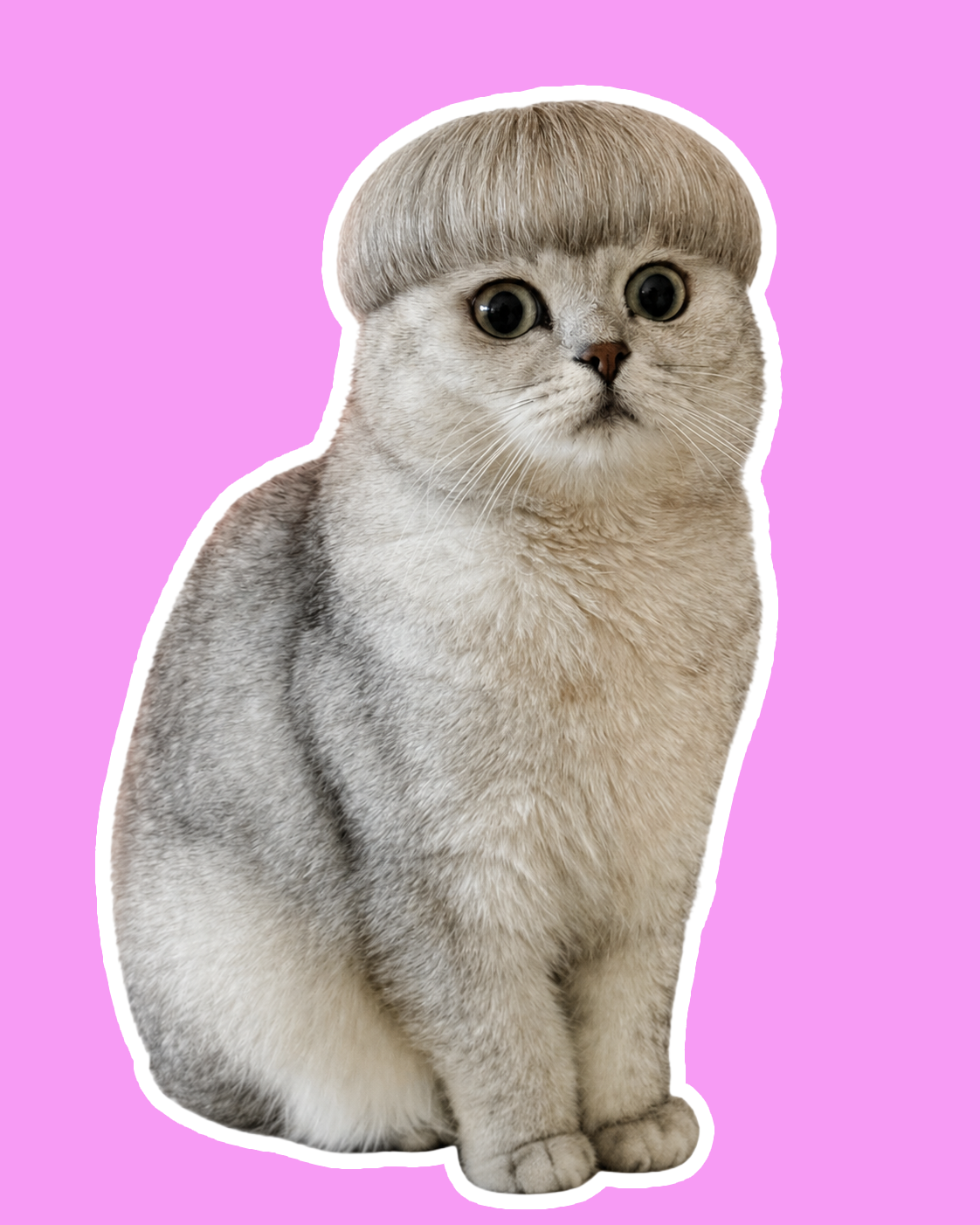
Rabbitovitz
Silver Tipped British Shorthair Runs the numbersClever. Too Clever!
Big ideas. Zero patience.

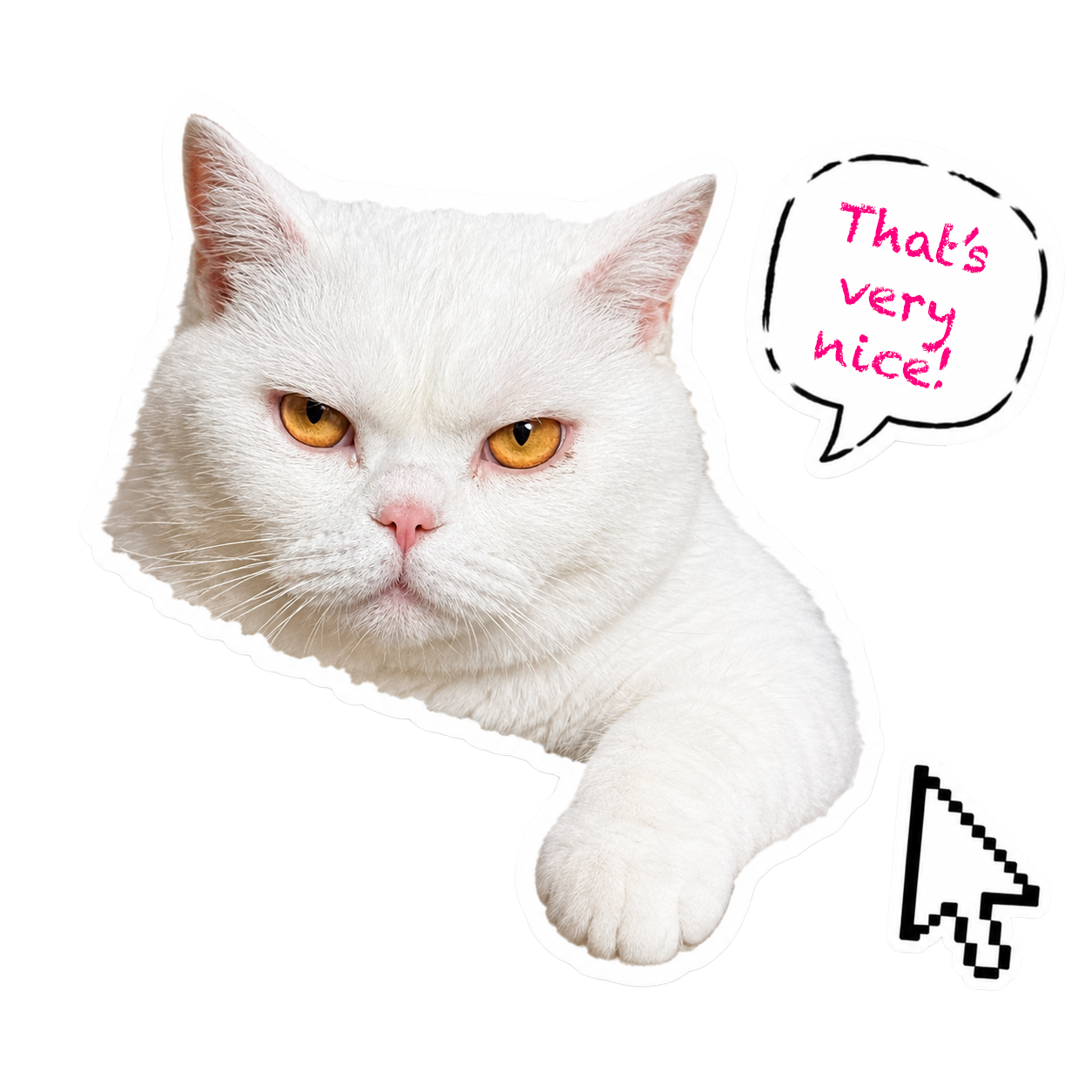
Lyle
White British Shorthair Chonky InternDoesn’t know the rules.
Doesn’t care.
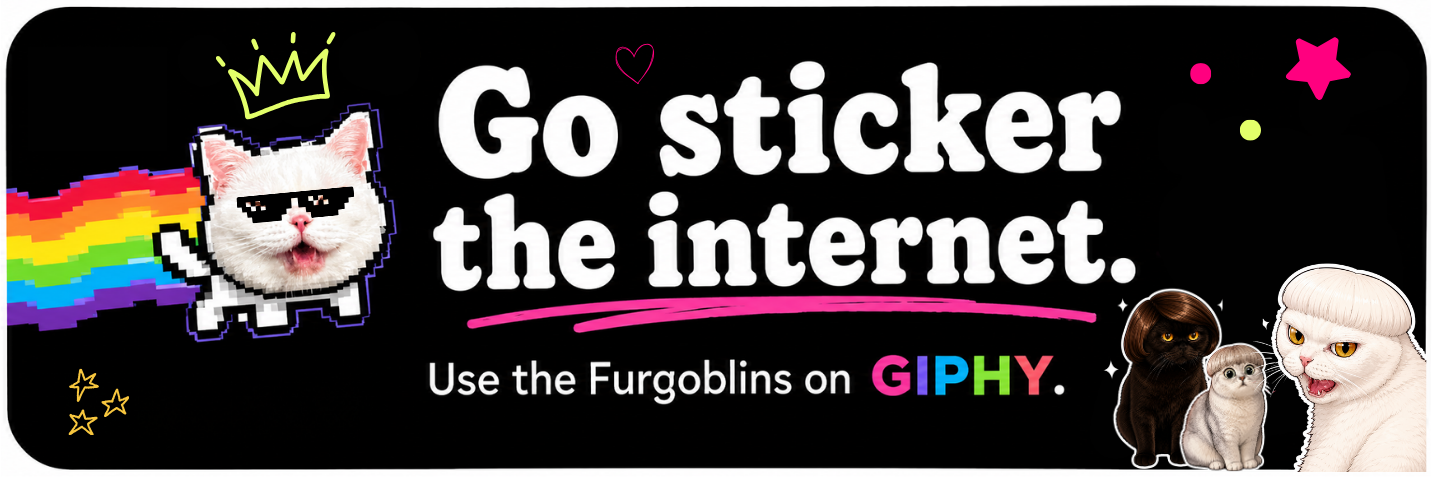
Our GIPHY stickers are everywhere right now!
Who doesn’t like a meme gif, espically one of Purrcival, Lyle, or the Rabbitovitz.
If your chats need a bit more feline drama, cat-biscuit propaganda, or general nonsense, see below how to find us on your favourite apps.

How to Use Our Stickers on WhatsApp & iMessage

Just open the GIF or sticker search, type ‘purrcival’, select/post a gif, and that’s pretty much it – you just made someone’s day 😻
Search, tap, send
-
1Open the GIF or sticker search in Instagram, iMessage, TikTok, WhatsApp, or your app of choice.
-
2Search purrcival or purrcival cat.
-
3Tap your favourite GIF or sticker and send it straight into the conversation.
 calling all pussycats!
 Happy Birthday!


Cool’cival & his sweetstick
Giphy Live Views Counter: 266.4M
How to Use Our GIFs in Instagram Comments
Want to reply to a post with pure cat drama? Place the boys directly into the comment section of any Instagram post.
Comment Fun