Cat button training
Lyle and His Talking Cat Buttons
Lyle is smart. Very smart. So we wanted to give him more ways to make himself understood. These talking cat buttons give him another vehicle of communication – and another way to tell us exactly what he thinks.
Why we started
Lyle’s a very clever cat. The buttons give him another way to make his opinions known.
What Lyle is learning
New words and being able to talk to us 😻 – he has plenty to say.
The button setup
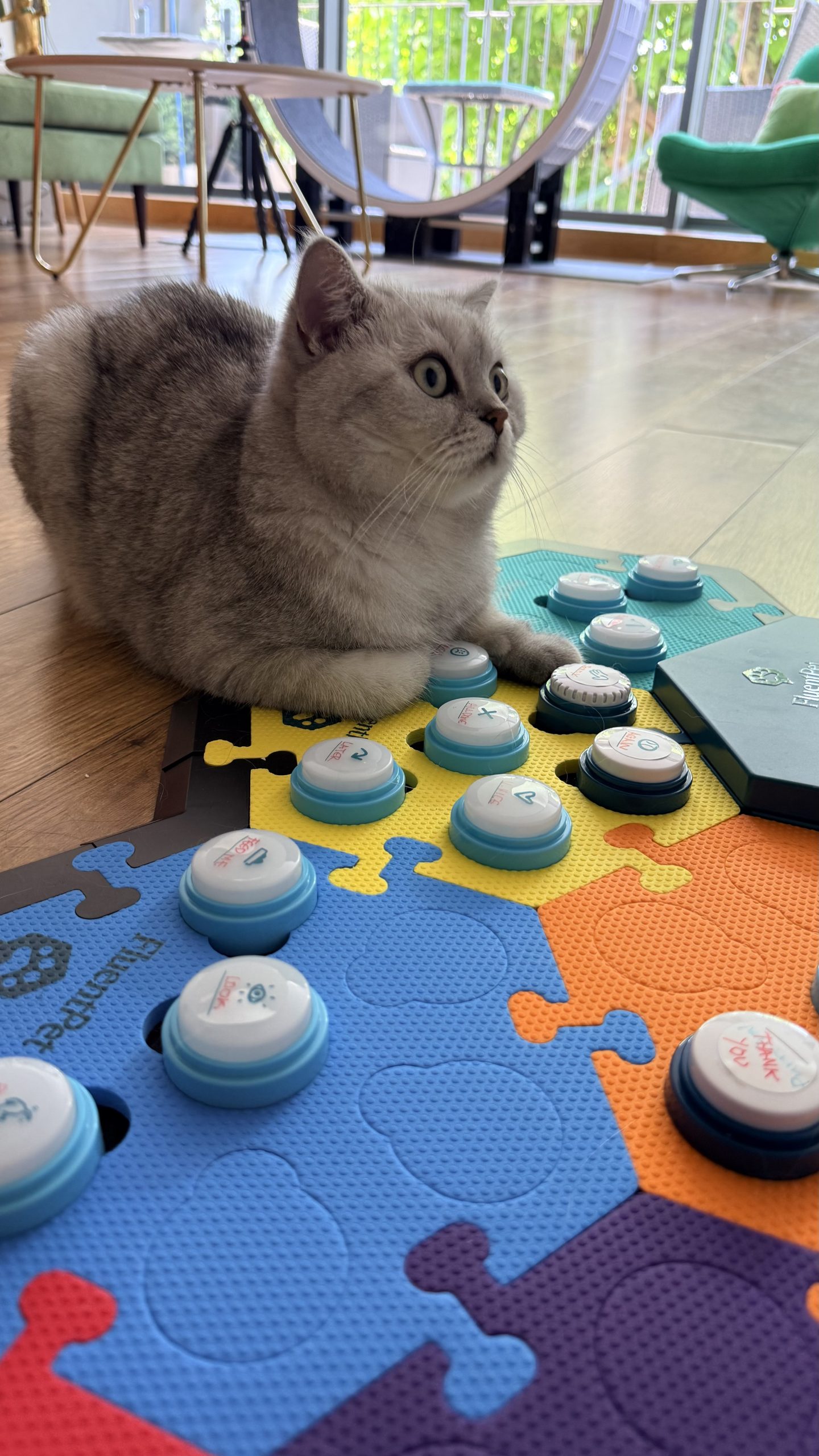
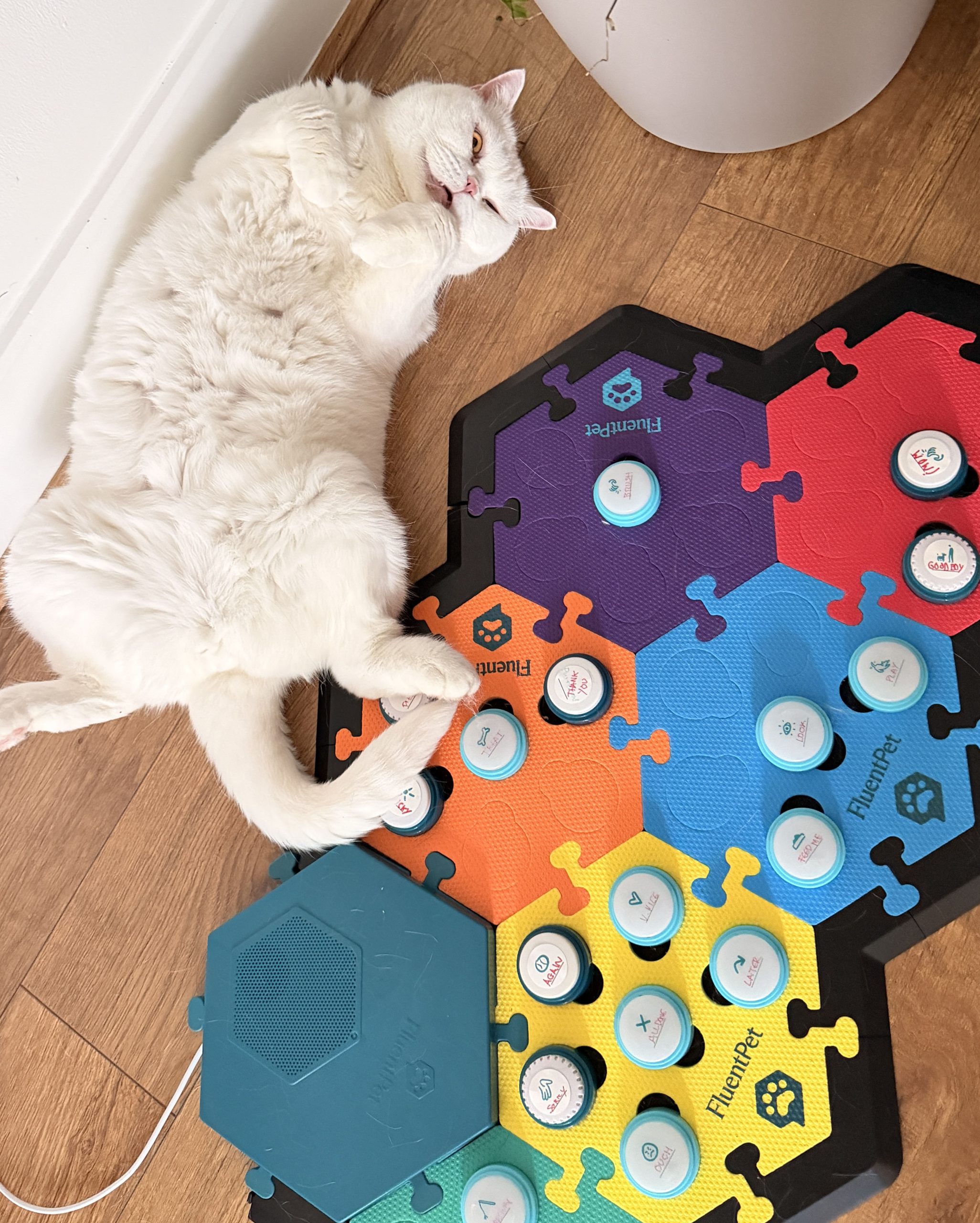
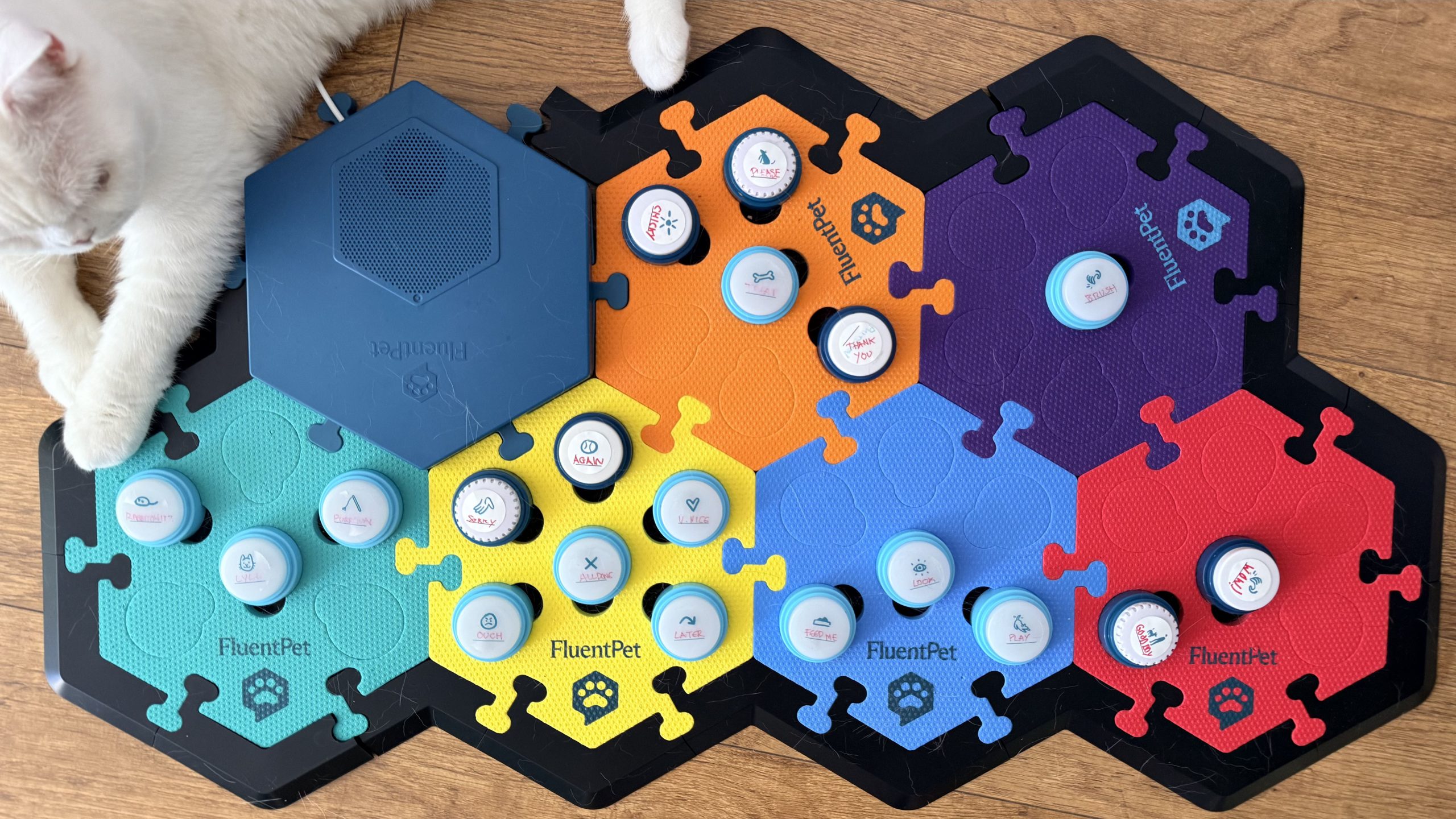
Here’s the layout we’re using for Lyle’s buttons. Simple for now, with room to add more cat talking buttons in the future.
How we introduced the buttons
We kept it short, positive, and consistent. Just a few minutes a day goes a long way with a curious cat and a pocket full of treats.

Start simple
We began with one button and placed it where Lyle could see it every day.
Make the connection
Press the button, say the word, then follow through with a reward like a treat. Keep the interaction completely stress-free.
Reward the press
When Lyle pressed the button, he got tasty treat. He learns quickly when treats are involved.
we then added more buttons
The first vocabulary
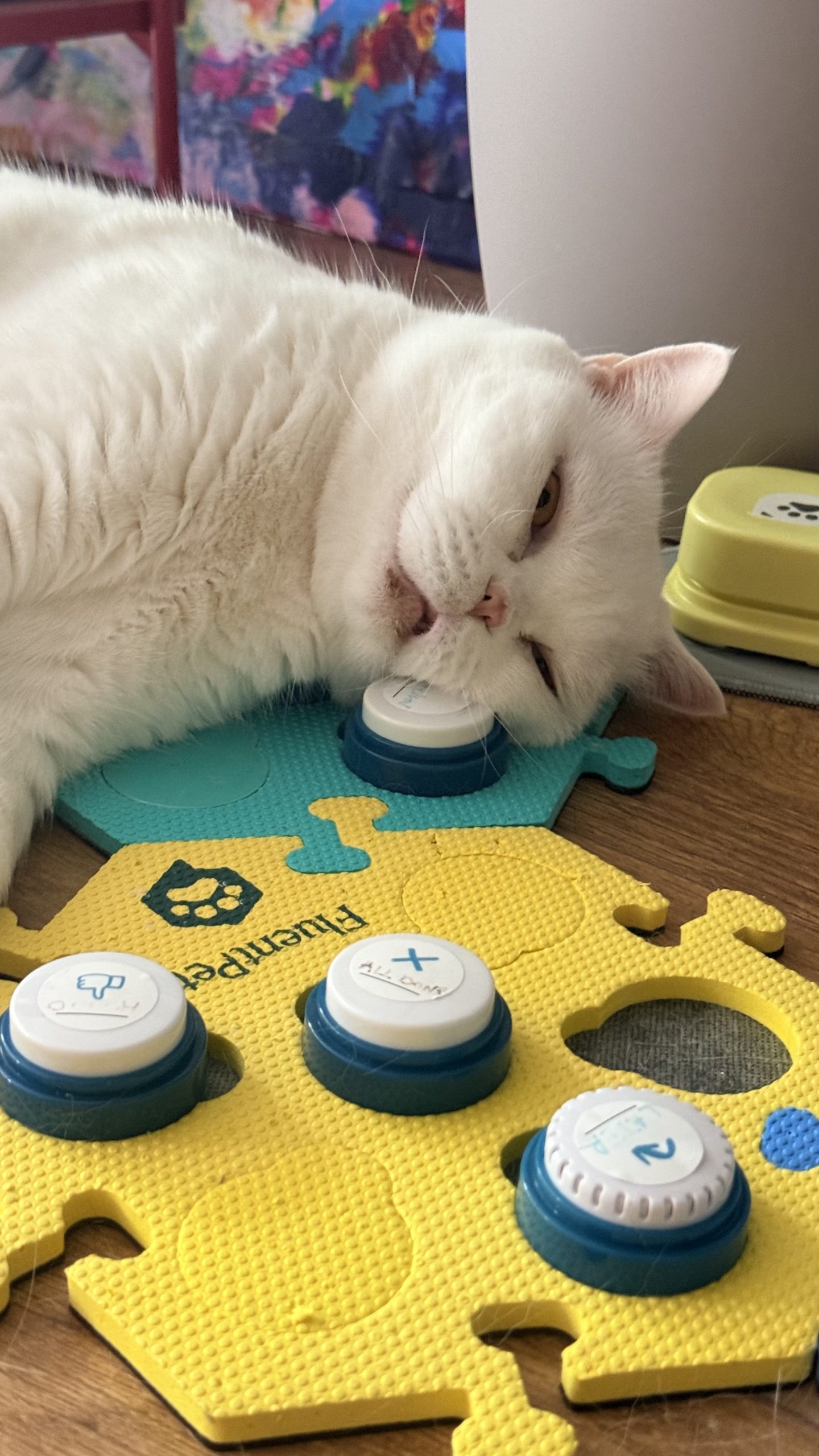
Lyle’s first button words
These are the words Lyle learned first – and still uses every day. He’s expanding his vocabulary one press at a time.
“Feed Me” was the first button Lyle pressed on purpose – all on his own!
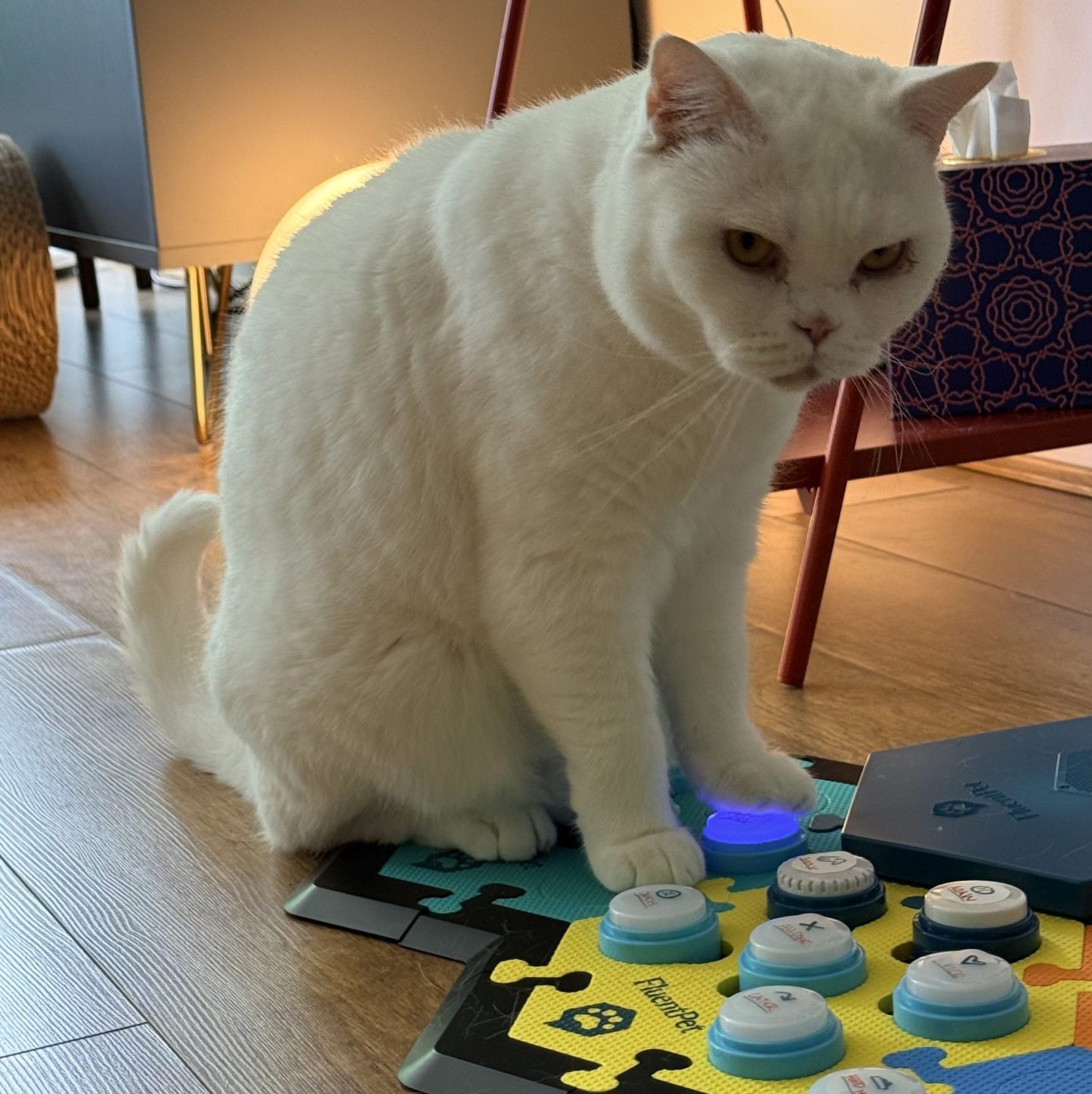
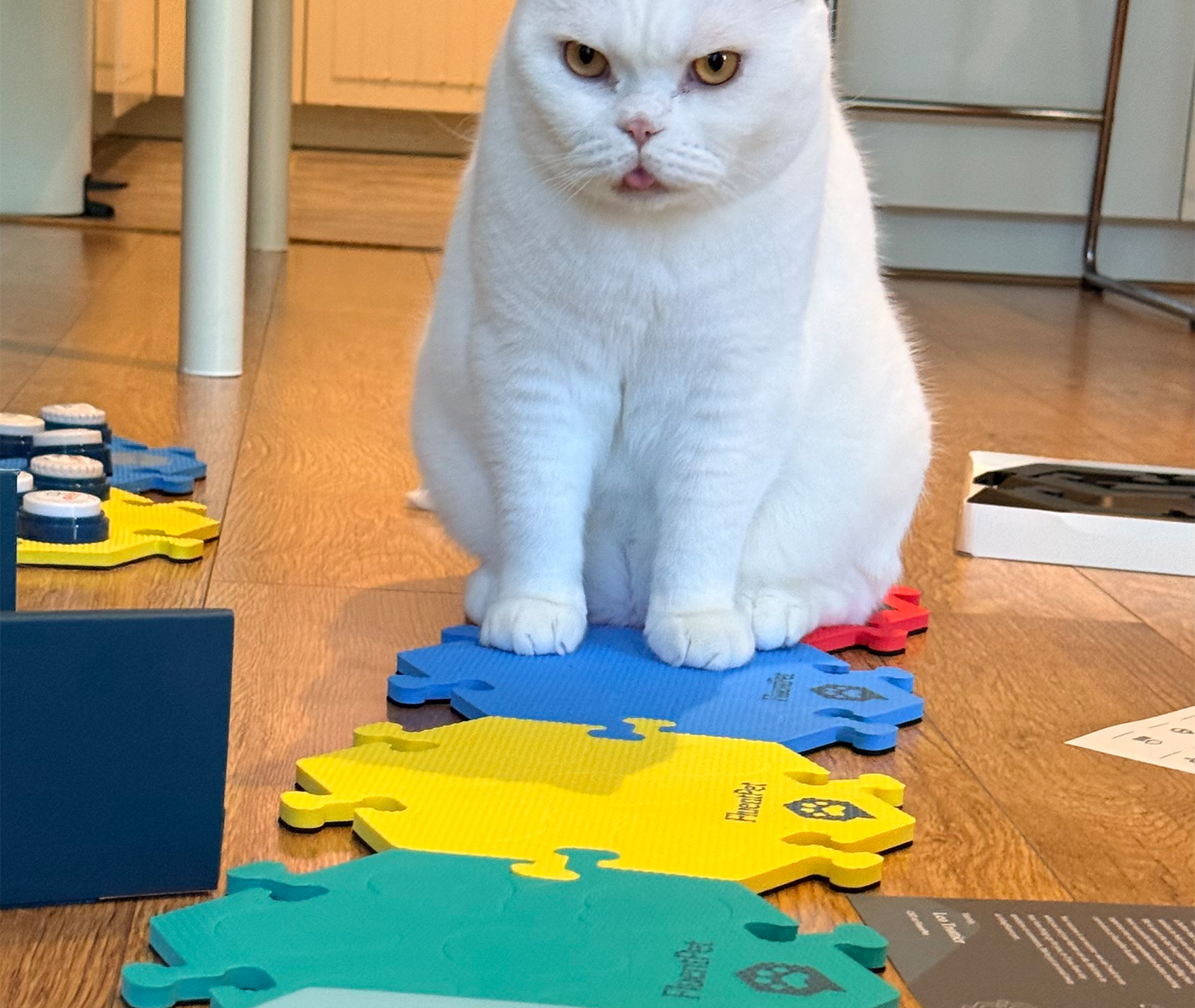
Focused and furious
A very serious student
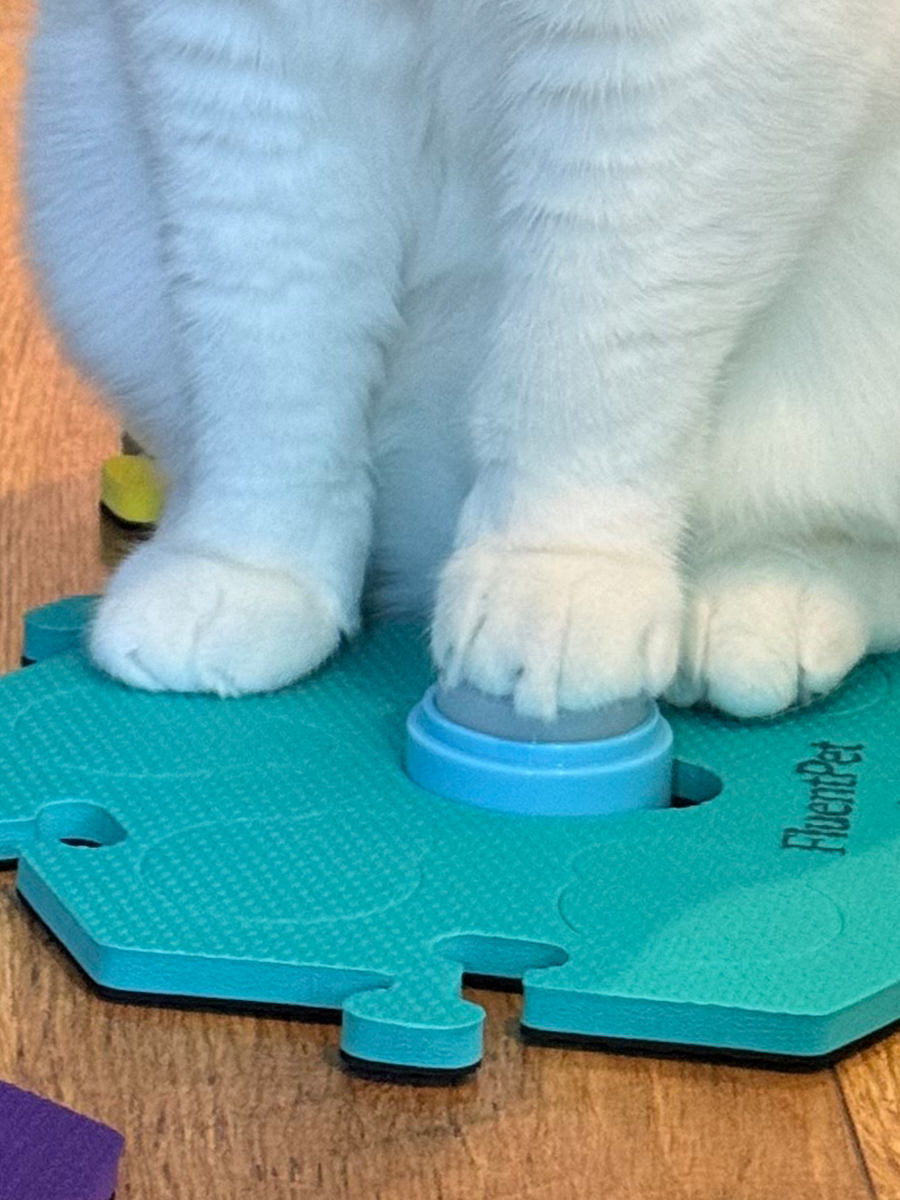
Lyle takes his learning seriously. No fluffing around – just focus, determination, and the occasional slow blink.
that’s very nice!
Press Lyle’s button
Try Lyle’s meow button
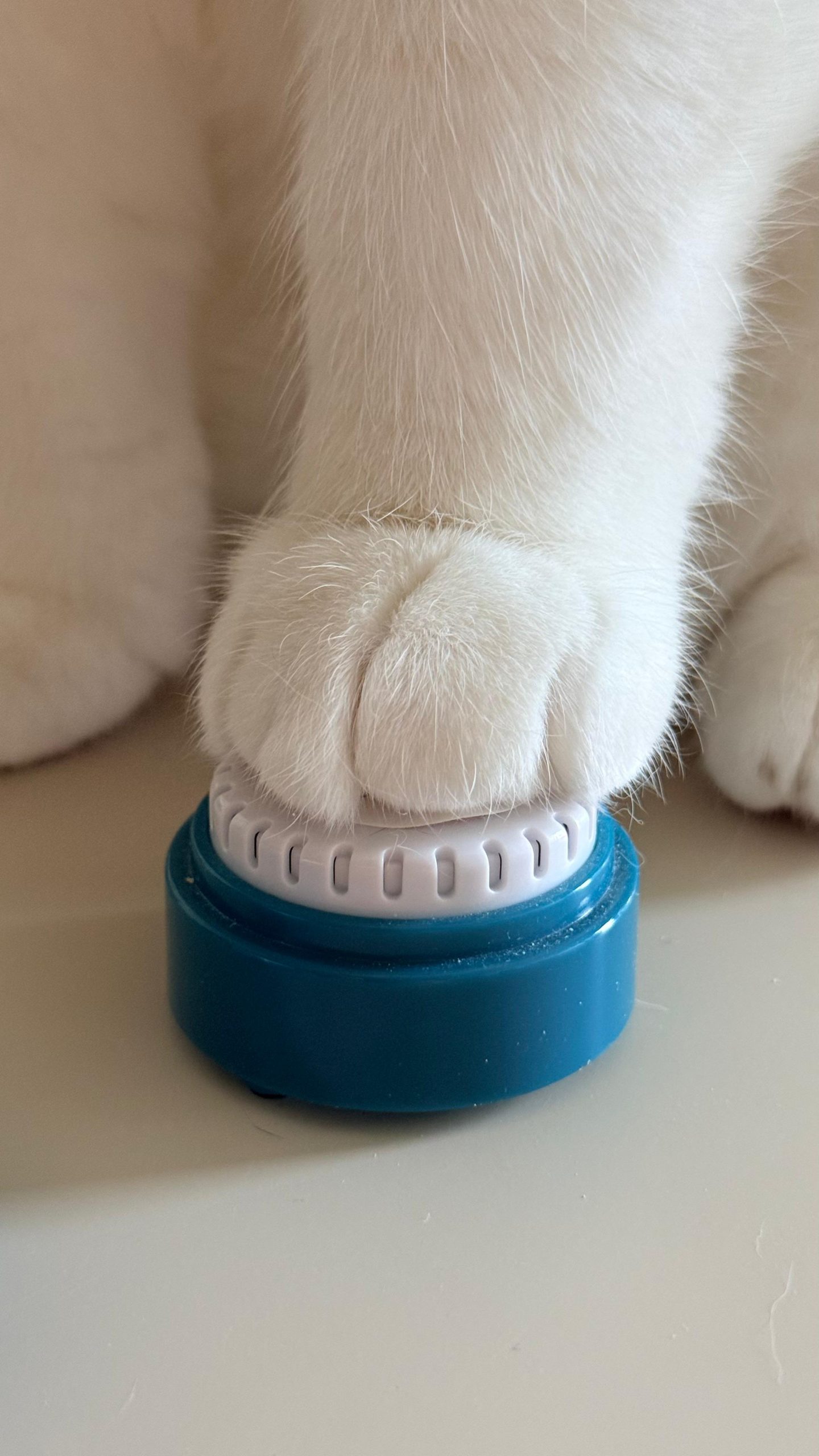
Press the button like Lyle would. One tap, one very important message.
Our button setup
We group the buttons to help Lyle learn and find what he needs. Since we’re learning right along with him, we went for an ultra-simple layout and started with words we already use all the time – like ‘all done.'”
The real-world setup
Lyle’s button board is setup where Lyle can reach it easily. We keep the layout predictable, use the same words consistently, and add new buttons slowly so it stays fun rather than confusing.
Where to get these
Everything we use to help Lyle learn and communicate. It’s durable, cat-approved, and fairly easy to setup.
See the kitWhat’s inside
- Buttons for recording simple words and phrases. You now record on the phone app, whereas before you would record on each button directly.
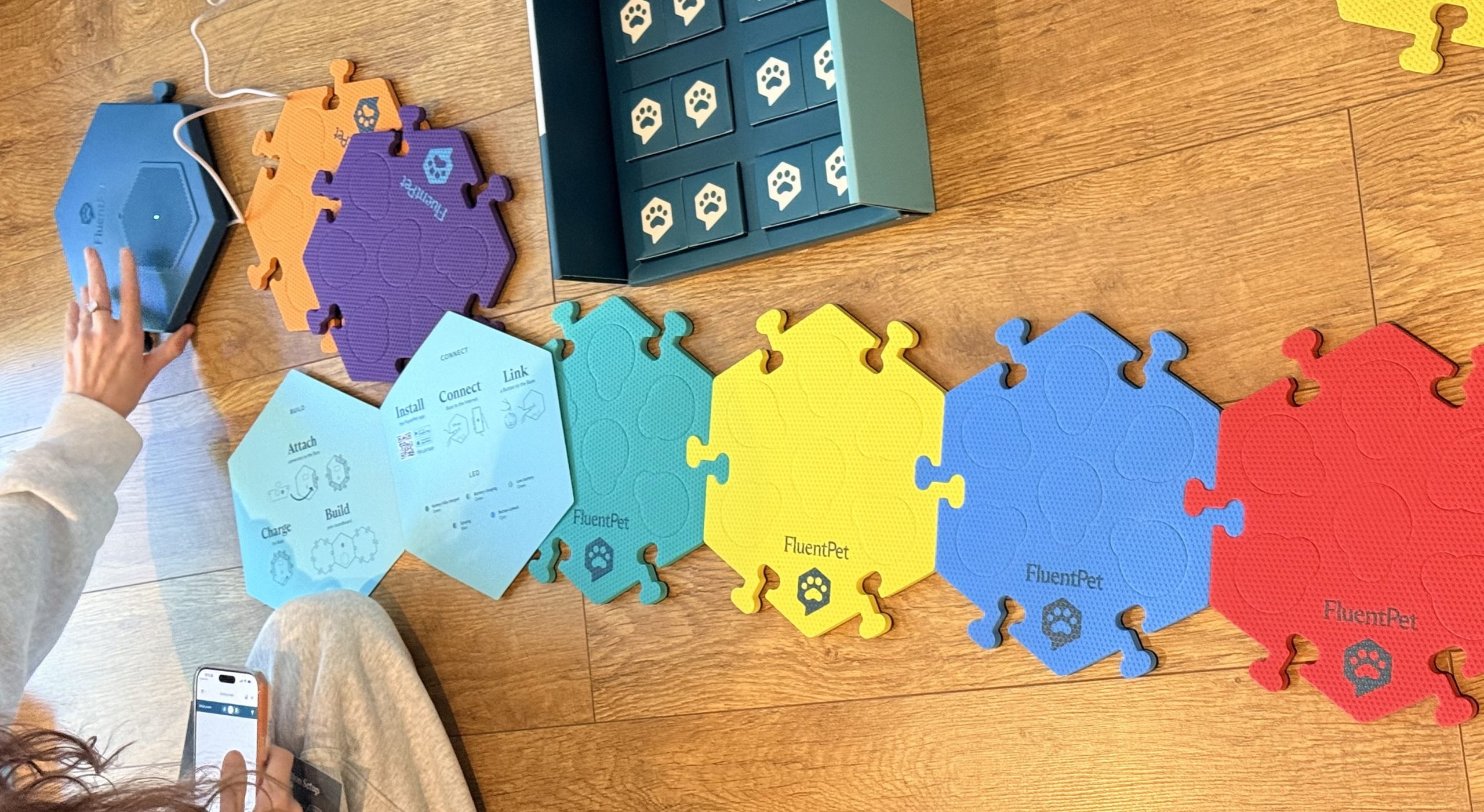
- Colourful tiles to keep everything organised.
- A simple setup for building a cat vocabulary. (Works for dogs, or any pet too).
More button moments
More from Lyle’s button journey
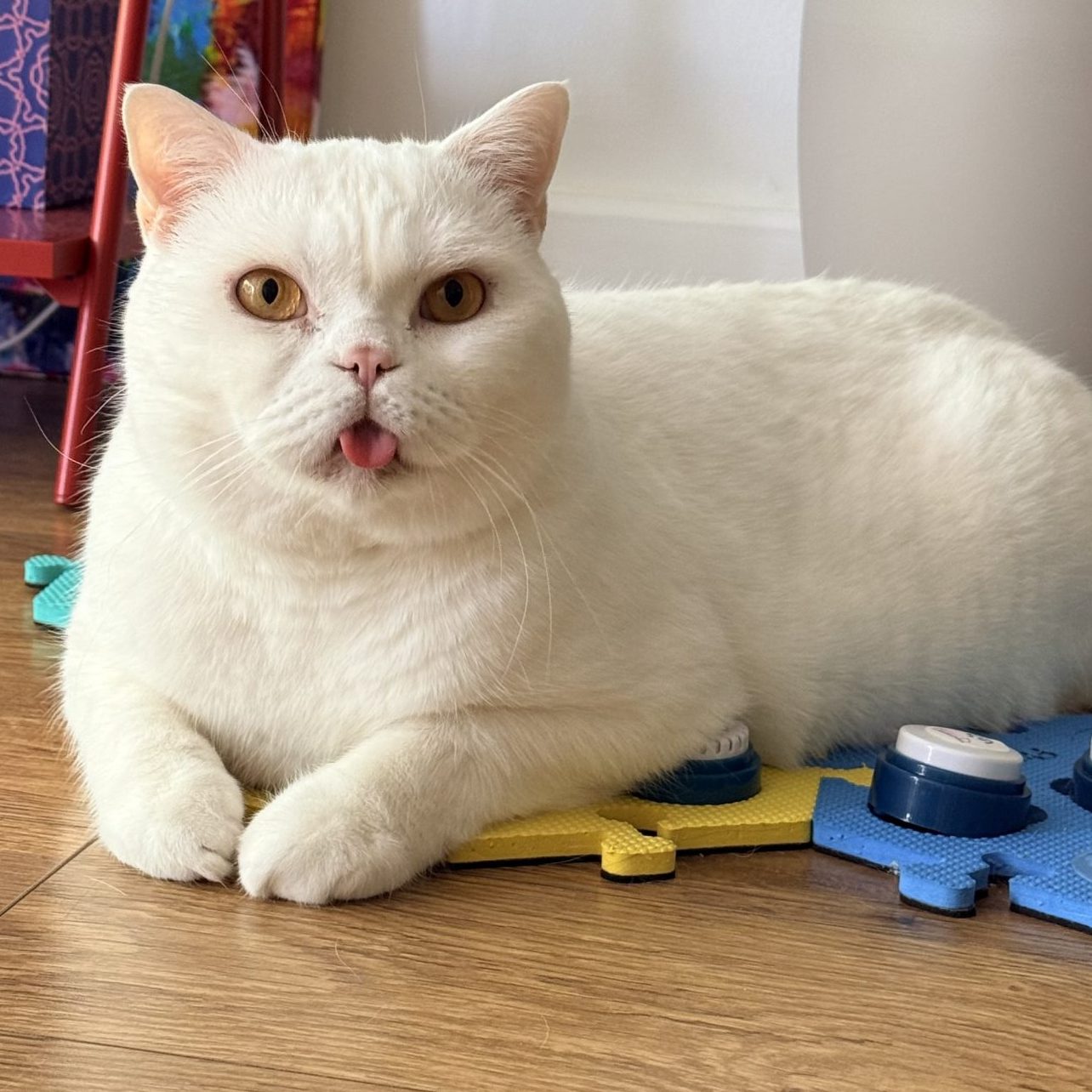
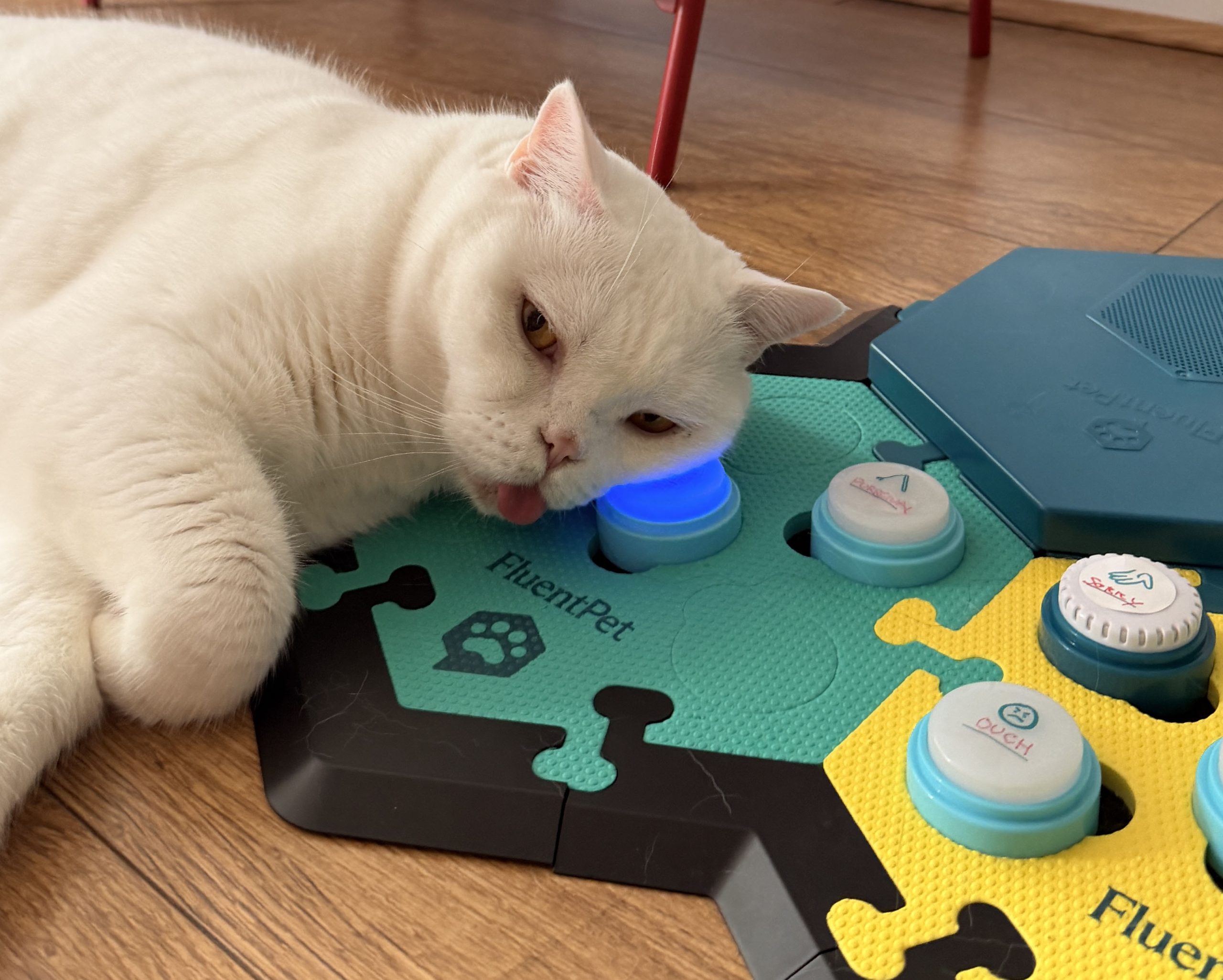
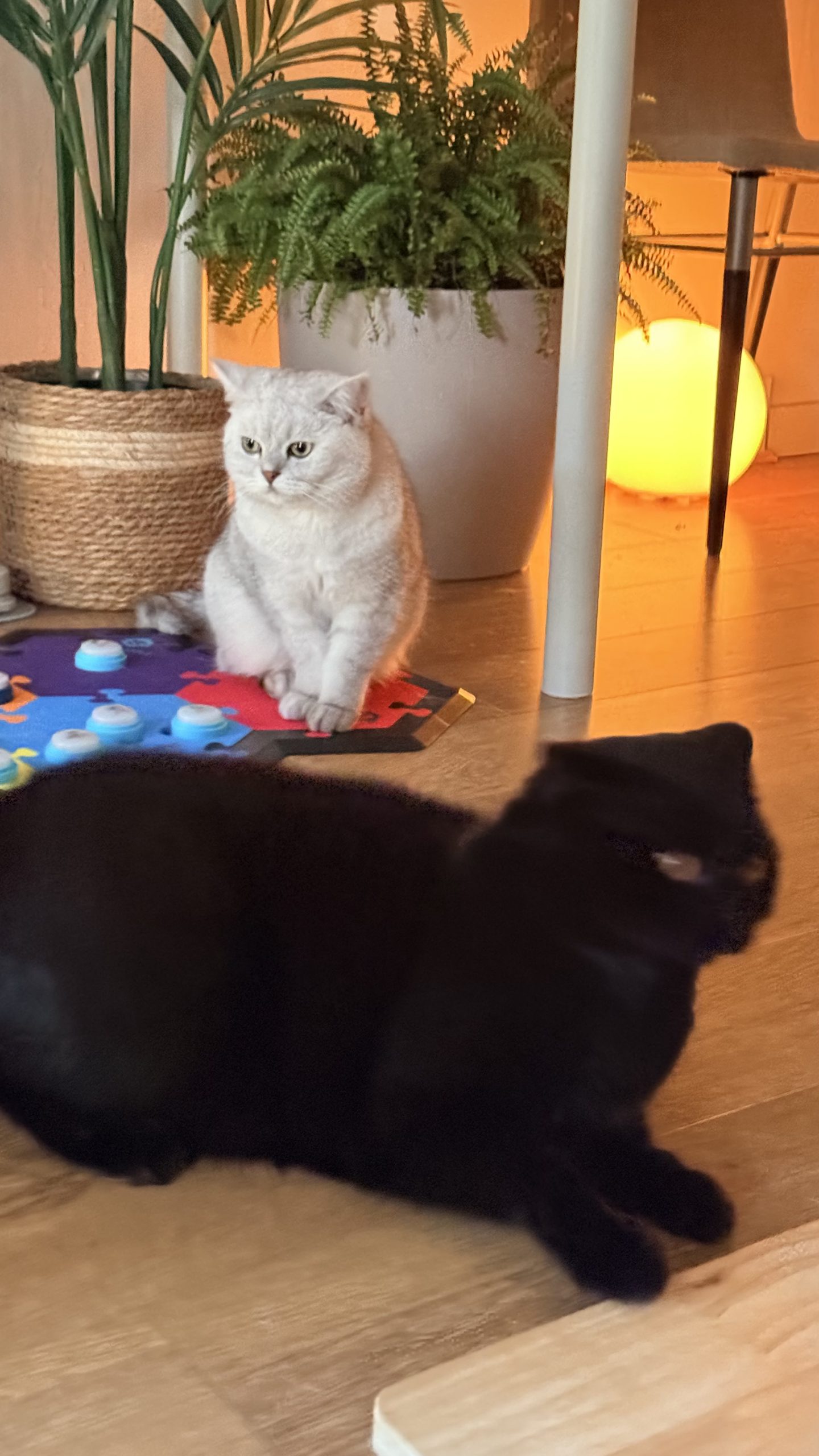
Lyle loves his button command central. He hangs out around the buttons and even sleeps on them. They’ve become so popular that even Rabbitovitz and Purrcival have started loafing around them too.
Try the button board
Talk to Lyle
Press Lyle’s talking cat buttons, hear the phrases, and see how he responds. It is less a game and more a formal list of demands.